What it does
Everything between taking the listing and getting the call.
One app that was built for the way a listing is marketed: the photos first, then the video, then the posts, then the leads.
The listing video
A walkthrough filmed from still photos.
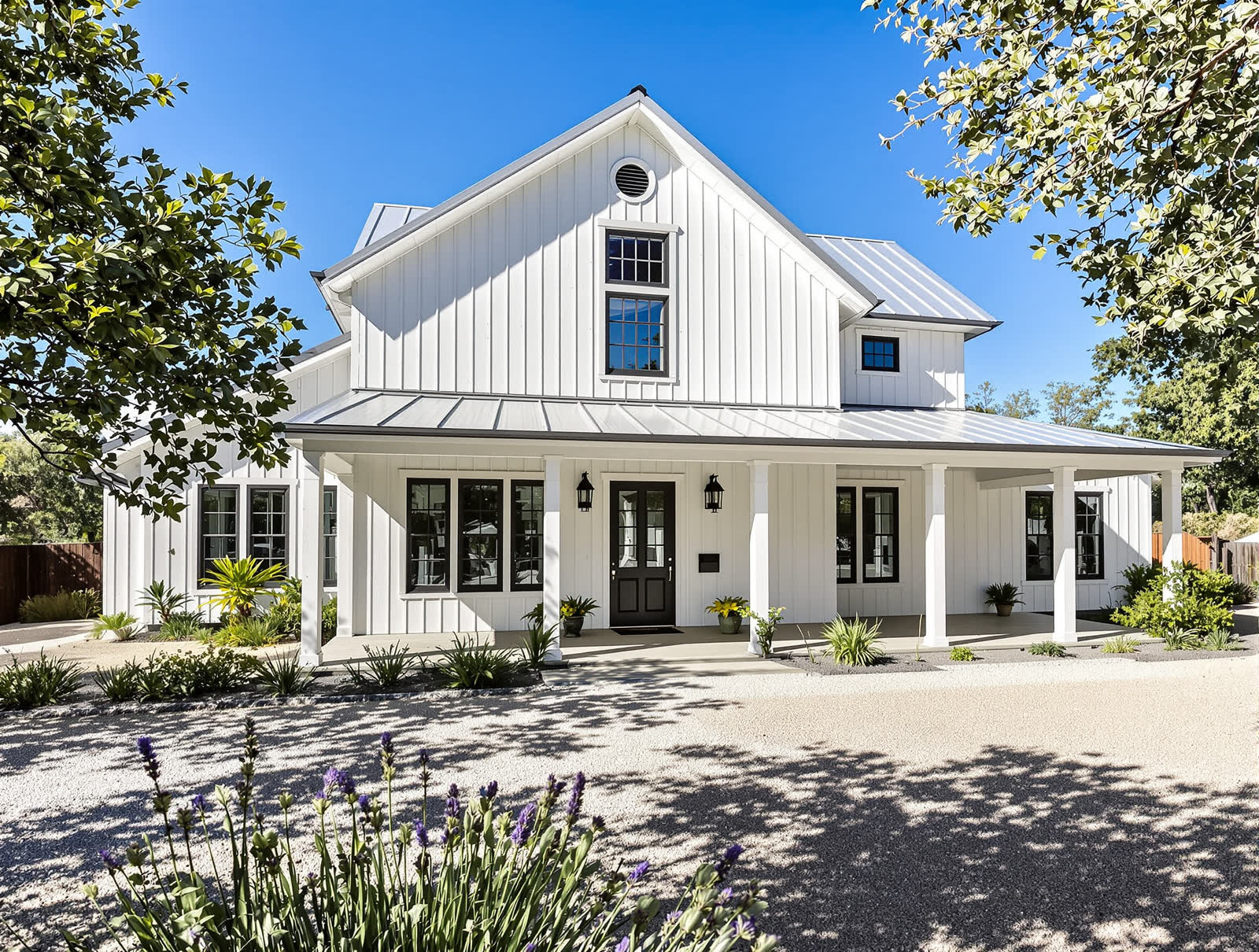
Each photo becomes a shot with a real camera move: up the path to the front door, across the kitchen, toward the view. Two photos of the same room are joined into one move. The front and the yard get a dusk version for the close.
- 30, 45 or 60 seconds, in the order a buyer walks a home
- Fire, water and ceiling fans move the way they should
- Every shot checked against its photo. One that shows something the photo does not is dropped
- Redo a single shot with a note, without remaking the video
The script
You read the words before a second is filmed.
Listing Rocket looks at the photos and the facts you typed and writes the opening line, a label for each room, the voiceover and the caption. You change anything you like, then press Make. The voice and music can be changed later too.
- Five opening lines to choose from
- Uses only the facts you typed and what the photos show
- Written to fair housing rules: it describes the home, never the buyer
- A stock narrator, your own recorded voice, or music only
Photos
Pro photos, twilight and staging from what you have.
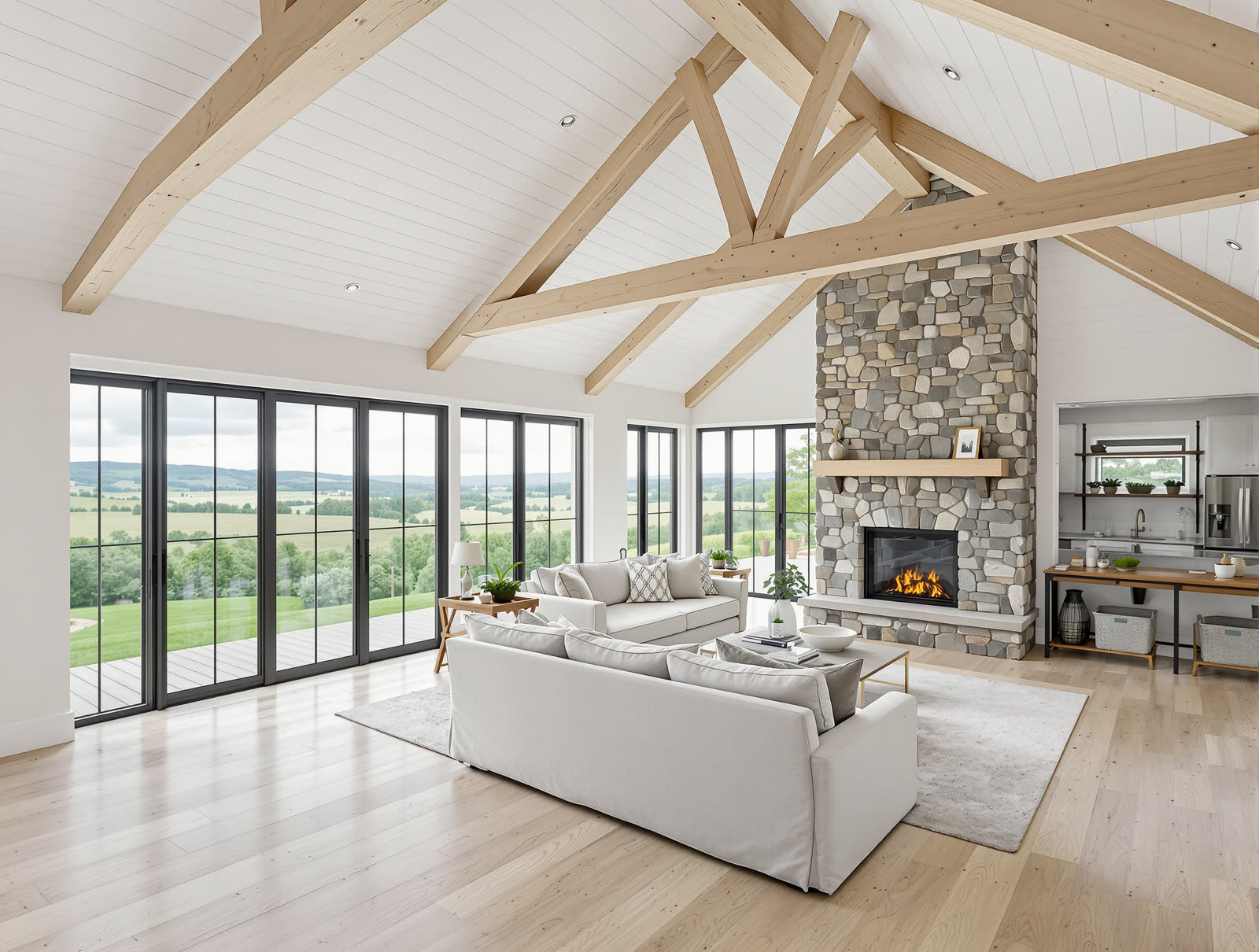
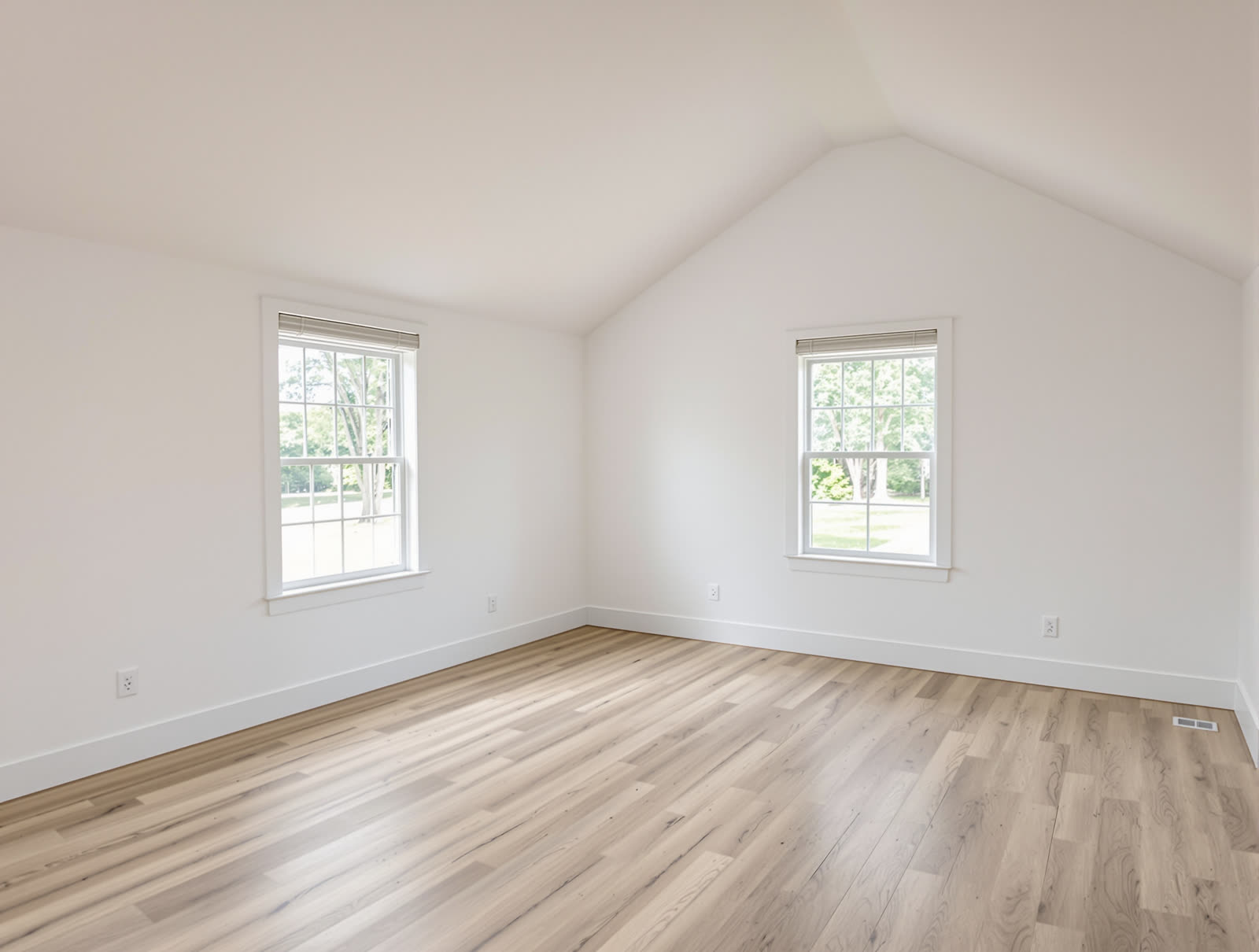
When there is no photographer, shoot the rooms on your phone and get back a clean, matched set. Turn the front photo into a twilight shot. Stage an empty room. Edited photos are labelled on screen and the originals stay one tap away.
- Light and colour only on pro photos. Nothing added or removed
- “Virtually staged” and “Digitally enhanced” burned onto the shot
- A public originals page with a QR code on the end card
- No structural edits are offered. Ever
Leads
The comment section becomes your showing calendar.
The video ends on “Comment TOUR for the details”. Everyone who comments gets the listing by Instagram DM within seconds, then a question asking for their number. You get a notification with the lead.
- Set up from the finished video in one tap
- Templates for showings, home valuations and buyer guides
- A contact list you can export
- People can reply STOP at any time, and they are never messaged again
Between listings
Something worth posting every week.
Market updates with this month’s real, sourced numbers for your area. Buyer and seller tips. Mortgage explainers. Neighbourhood guides. “What $800k gets you” comparisons from your own listings.
- Carousels and reels, with your name and license on the caption
- An agent can prepare posts for you and wait for your OK
- Schedule a week in one sitting, on the days and hours you pick
- Instagram, TikTok, YouTube Shorts, Facebook and X
For teams and busy weeks
Ten listings in one go.
Paste up to ten listing links and walk away. The videos are made a couple at a time and emailed to you when they are done. Or have us make them for you.
- Batch videos from links
- One account for a team on the Team plan
- Done-for-you videos, priced per video
- Push a finished video into your Meta ad account, paused until you turn it on, under the Housing ad category

See it on one of your own listings.
Paste a listing link and watch the video get made. The first one is free.
Make my first listing video freePhotos on this page are of an AI-made sample home, not a real listing.